Monkey Hangout
A downloadable game for Android
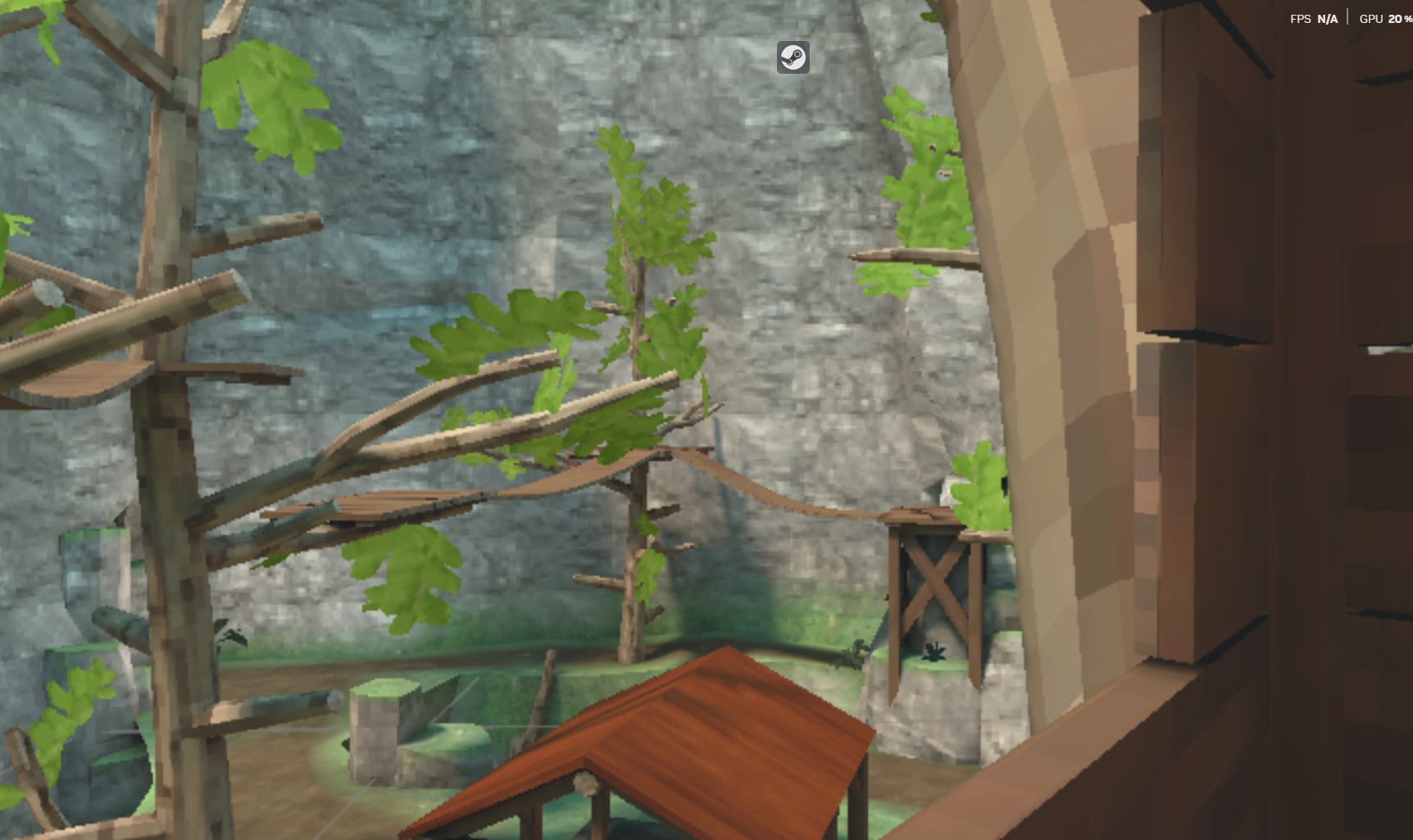
Monkey Hangout is a fast‑paced, social VR experience where players swing, climb, and explore using intuitive Gorilla Tag–style hand locomotion. Built for pure fun and community vibes, Monkey Hangout drops you into a lively world full of trees, platforms, secrets, and other players ready to hang out, race, or just goof around.
Move using only your hands, master parkour‑style movement, and discover unique areas designed for climbing, exploring, and showing off your skills. Whether you’re chilling with friends or competing in fast‑paced modes, Monkey Hangout is all about freedom, creativity, and nonstop energy.
🌴 Core Features
- Hand‑Based Locomotion Run, jump, climb, and swing using only your arms — no joysticks needed.
- Open Social Hangout Areas Forests, treetops, playgrounds, and themed zones built for exploring and meeting new players.
- Customizable Monkey Avatars Unlock cosmetics, colors, and styles to make your monkey stand out.
- Mini‑Games & Challenges Tag, races, obstacle courses, and community events that keep the gameplay fresh.
- Private & Public Rooms Hang out with friends or join the wider community instantly.
- Active, Fun Community A place to talk, play, and create memories with other players.
🍌 The Vibe
Monkey Hangout isn’t just a game — it’s a place to relax, laugh, and move. Whether you’re climbing to the top of a giant tree, racing across platforms, or just chatting in a cozy hangout spot, the game is built to feel alive, energetic, and welcoming.
Download
Install instructions
📥 HOW TO DOWNLOAD & INSTALL MONKEY HANGOUT (APK – VR)
1. DOWNLOAD THE APK
- Click the download link for the Monkey Hangout APK
- Wait for the file to finish downloading on your headset or phone
2. ENABLE UNKNOWN SOURCES (QUEST VR)
On your Meta Quest headset:
- Open Settings
- Go to System
- Select Developer
- Turn on Unknown Sources
(If you don’t see Developer Mode, enable it in the Meta Quest app on your phone.)
3. INSTALL USING SIDEQUEST
- Open SideQuest on your PC or Android phone
- Connect your headset with a USB cable
- Allow USB debugging inside the headset
- Drag the Monkey Hangout APK into SideQuest
- Wait for the “Install Succeeded” message
4. LAUNCH THE GAME
On your Quest:
- Open Apps
- Change the filter to Unknown Sources
- Select Monkey Hangout
- Play!
5. OPTIONAL: UPDATE INSTRUCTIONS
When a new version releases:
- Download the new APK
- Install it the same way through SideQuest
- It will automatically replace the old version
OR (NO PC METHOD)
1. INSTALL THE APK
2. DOWNLOAD “CX FILE MANAGER”
3. OPEN CX FILE MANAGER
4. GO TO “INSTALLS / DOWNLOADS”
5. TAP THE APK (A PANEL WILL POP UP — PRESS INSTALL)
6. YOU’RE ALL DONE!

Leave a comment
Log in with itch.io to leave a comment.